
Collaborative post
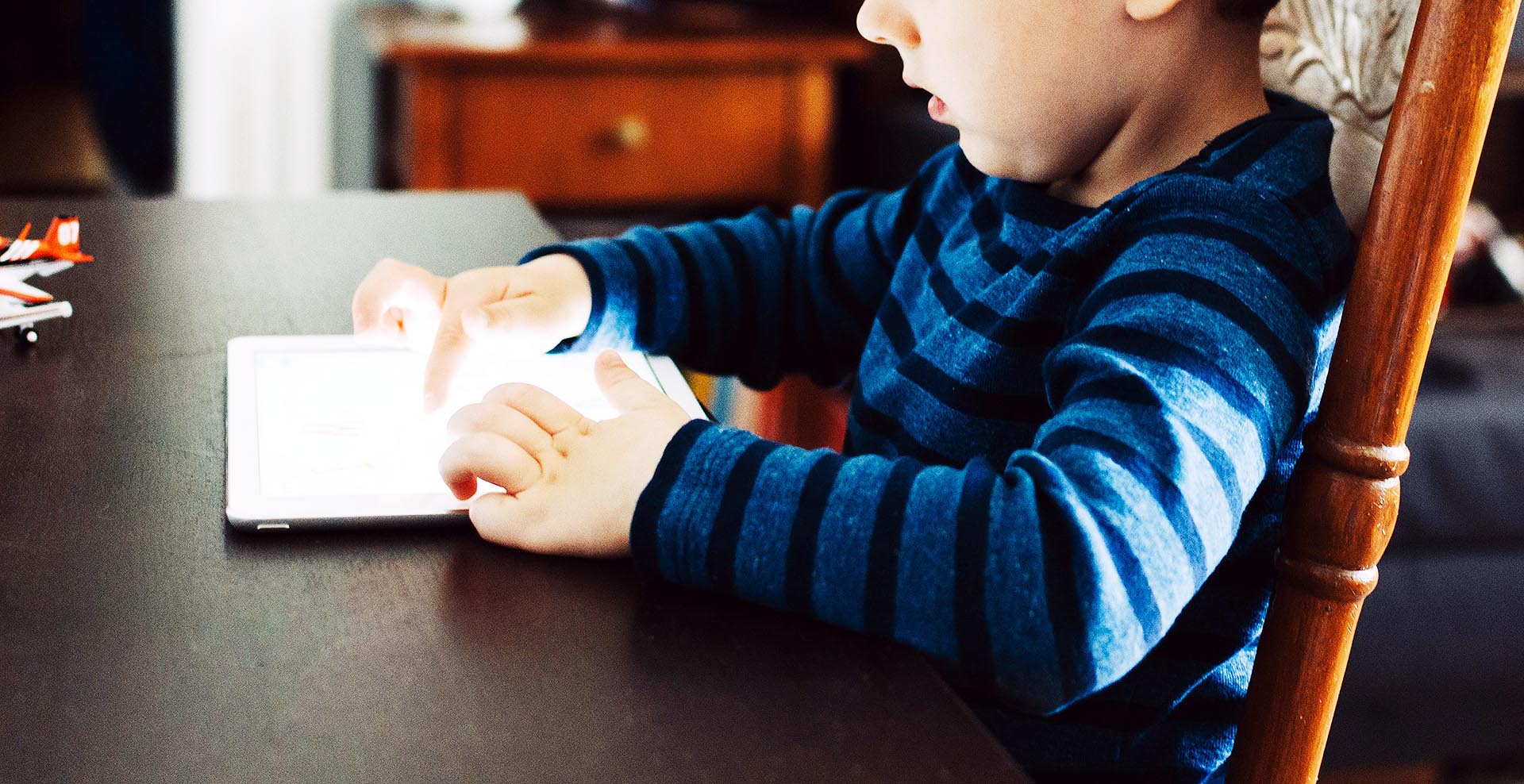
Unfortunately, there are no height restrictions for kids to ride the rollercoaster that is the World Wide Web. The internet is an amazing tool and it’s changing children’s lives for the better. However, there’s no doubt it’s a dark and dangerous place, especially for people as naïve as adolescents. On this ride, a spotty teenager won’t be able to enforce the theme park rules and regs. As always, parents have to be the voice of reason and find a suitable solution. Banning them altogether, for instance, could have a potential impact on the future lives such is the importance of the net.
Don’t fear, though, because here are the A-B-C’s of online security for children.
Step 1: Set Parental Controls
Not only are kids mobile, but so are their devices. It used to be impossible to keep up with, and now it’s even harder. Until humanity develops eyes in the back of its head, kids will surf the Web without supervision. Trusting them is essential, but there’s no need to write a blank cheque. Let’s face it – they are children. Parental controls are the way forward as they block sites which you deem to be too adult. Start with the obvious ones and move on to trickier areas such as social media. On YouTube, you can create separate controls for a profile so that you don’t have to ban it altogether. The same goes for Facebook and Twitter also.
Step 2: Learn About Parental Controls
There’s no shame in admitting that kids are more technologically advanced. If they had grown up with a bat and ball, they’d probably be better at that too. Such is the power of the internet on society that young generations are bound to be in front. What you mustn’t do is say ‘well done’ and then leave them to their devices. Certain Prosyn IT support features will guide you through the process so that it looks less like gobbledegook. Of course, the internet itself has free, digital tutorials which can increase your understanding of the subject. Yep, the machines are that intelligent they’re conducting seminars now!
Step 3: Infiltrate Social Media
Kids love to stay in contact with their friends by logging on to a computer and ‘hitting up’ social media. There is nothing inherently wrong with Facebook, but there are potential dangers. The main one is the fact that it encourages a popularity contest. As a result, children will accept requests from people who they don’t know to boost their stats. It’s like they are little politicians looking to purge their numbers. Obviously, predators can use this attitude to gain contact and groom, which is horrifying. But, they can also speak to people whose only goal is to bully and demean. To stop this from happening, The Guardian says you should be friends with your kids on their social networks. By Monitoring their posts and friend group, you can help keep them safe.
Okay, so online security is never easy. Still, you can make it less stressful with these helpful hints.
Photo by Kelly Sikkema on Unsplash
Leave a Reply